
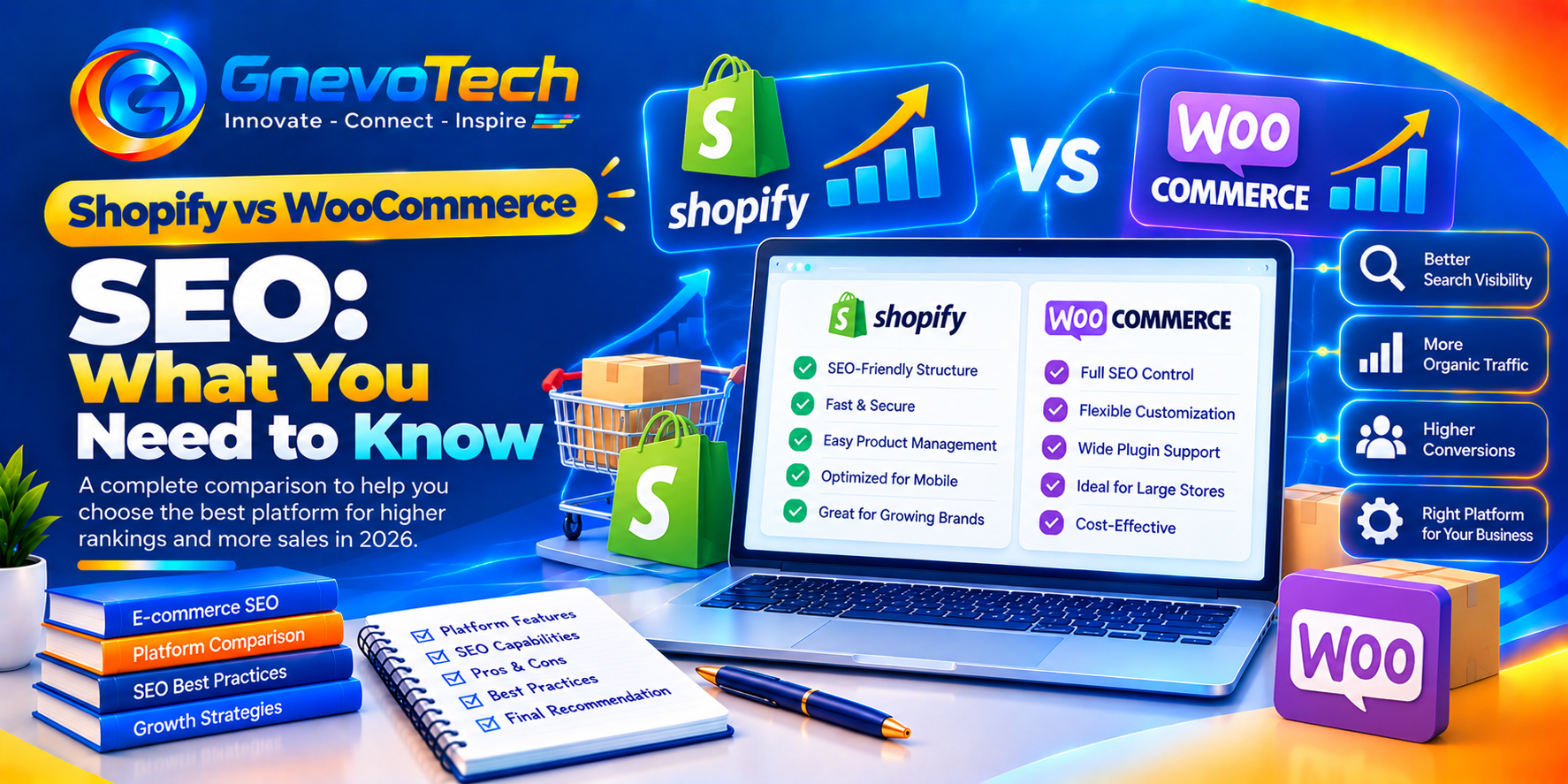
A woman in Jaipur who sells lac bangles spent three weeks arguing with herself about which platform to pick. One cousin swore by Shopify. Another said WooCommerce was the only “proper” choice for search. She read ten blog posts, got ten opinions and launched nothing. When we asked what was really bothering her, it came down to one question: “Which one will Google like more?” A lot of owners end up looking at e-commerce SEO services at this point, but the honest answer is far less dramatic than the arguments online. Both platforms can rank well. How you set them up matters more.
Here’s how we’d compare them, round by round.
The short version, and one honest note
If you only have a minute:
- Shopify is easier to start, with fewer technical choices to get wrong
- WooCommerce gives you more control and more responsibility
- Neither platform ranks a store on its own
- Content, structure, speed and trust do most of the work on both
- Let your skills and time decide, not a forum argument
The honest note: nobody can promise a ranking, and we won’t. Positions depend on competition, your store’s history, links from other sites and how shoppers behave. Platform features change often too, so check each platform’s own pages before you commit.
The real difference: hosted or self-hosted
Shopify is a hosted service. The company runs the servers, handles updates and security basics, and hands you a ready store to fill. WooCommerce is a plugin that runs on WordPress. You pick the hosting, keep things updated and choose your own add-ons.
It’s a bit like renting a shop in a managed mall versus owning your own building. The mall looks after the lights and the lifts, and you follow its rules. The building lets you change anything, and the roof is your problem too.
Round 1: Setup and speed
Shopify stores usually start on fast, well-tested infrastructure, so many owners get decent loading times without trying. Heavy themes and too many apps can still slow it down.
WooCommerce speed depends on three things:
- The quality of your hosting
- How many plugins you install
- How well your theme and images are built
A well-looked-after WooCommerce store can be very quick. A neglected one can crawl. Whichever you pick, test it on a real phone, not just your laptop.
Round 2: URLs, structure and when a specialist helps
A clean, logical structure helps shoppers and search systems understand your store. Shopify uses a fairly fixed pattern for product and collection pages, which keeps things consistent but limits how much you can change. WooCommerce, through WordPress, gives you more freedom with permalinks, categories and page layouts.
Freedom only helps if you use it well. Plenty of owners end up with messy categories, duplicate pages or a store that grew without a plan. A specialist can untangle that, and some owners turn to an e-commerce SEO agency in Jaipur when they’re planning a new store or cleaning up an old one. If you go that way, ask to see work for similar stores, ask who will actually do the work and ask what they can’t control.
Round 3: Content and blogging
Search rewards useful pages, not only product listings. Buying guides, size charts and care tips bring shoppers in earlier.
- WooCommerce sits on WordPress, which was built for publishing, so blogs and flexible page layouts feel natural
- Shopify includes a blog and pages. It’s simpler and works well for most stores, with fewer layout options
On either platform, original writing from real experience beats supplier text pasted from a spreadsheet.
Round 4: Apps, plugins and control
Both platforms lean on add-ons for extra features.
- Shopify apps are reviewed and easy to install, but many come with monthly fees
- WooCommerce plugins are plentiful and often cheaper, though quality varies a lot
- Too many add-ons slow either store down
- Every add-on is one more thing to update and keep an eye on
Install only what you truly need. Built-in settings or one good SEO plugin can handle titles, descriptions and sitemaps on both.

Round 5: Technical basics
These matter on any platform, and each one handles them a little differently.
- Sitemaps: both can create them. Check that they list only the pages you want found
- Duplicate pages: filters, tags and variants can spawn near-identical URLs. Use canonical tags and sensible rules
- Out-of-stock products: keep the page live if the item is coming back, or redirect permanently discontinued ones to the closest match
- Structured data: product markup for price, availability and reviews helps search systems read your pages
- Redirects: set them up properly whenever an address changes
Defaults aren’t always right for your store, so check what your theme and plugins do out of the box.
What it really costs in time and money
Price comparisons online can mislead, because costs shift with plans, apps, themes and hosting. We haven’t quoted figures. Think in three buckets instead:
- Money: platform fees, hosting, themes, apps and plugins
- Time: setup, updates, backups and fixing things when they break
- Skills: whether you or someone you trust can handle the technical tasks
Shopify tends to cost more in subscriptions and less in effort. WooCommerce can cost less in fees and more in attention. If your budget is tight and your time is tighter, count both. Owners who want help with technical cleanup, content and tracking sometimes bring in e-commerce SEO services in Jaipur, which works best when the provider explains the scope in writing.
Who should pick which
Be honest with yourself here.
- Pick Shopify if you want to launch fast, prefer fewer technical decisions and don’t mind working inside its structure
- Pick WooCommerce if you want full control, plan to publish a lot of content or have technical help on hand
- Stay where you are if your store works and the real problem is thin content or slow pages, because switching rarely fixes those
Many stores blame the platform for problems that live somewhere else. Check your content and basics first.
Moving from one platform to the other
Migration is where SEO most often goes wrong. Pages change addresses, redirects get missed and rankings can dip for a while.
- Make a full list of your current URLs before you move
- Map every old address to its new one with permanent redirects
- Keep good titles, descriptions and content intact
- Test the new store before launch
- Watch your search data closely for a few weeks afterwards
If you’re not confident doing this, get help before you switch, not after.

AI answers, and what stays the same
More shoppers now ask an AI assistant for suggestions and read a single written reply. Whatever platform you choose, the habits that help are the ones that already help people: clear product details, consistent business information, honest reviews and pages that are easy to read. Nobody can promise that a particular page will be quoted by an AI tool.
Claims worth treating with care
You’ll see plenty of agencies calling themselves number one. When you come across the best e-commerce SEO agency in Jaipur, treat the phrase as a reason to ask more questions, not as proof. Read real case studies, speak with a past client if you can and get the terms in writing. Be careful with guaranteed rankings, instant results or a quote that doesn’t say what’s included.
Mistakes we see all the time
- Choosing a platform because of one loud opinion
- Installing a dozen plugins or apps “just in case”
- Copying supplier descriptions word for word
- Letting filters create thousands of duplicate pages
- Switching platforms without a redirect plan
- Ignoring mobile speed
- Expecting results within a few weeks
Most of these come from impatience. Steady, honest improvement wins.
A thirty-day starting plan
You don’t need a big budget to begin.
- Week one: Check indexing, broken links, duplicate pages and mobile speed
- Week two: Rewrite your ten best-selling product pages with original details
- Week three: Tidy your category pages, titles and internal links
- Week four: Add structured data where it fits, collect reviews and set up monthly tracking
Then repeat the cycle with the next group of pages.
Conclusion: Pick the Platform You Can Run Well
Shopify and WooCommerce can both rank. One trades a little control for simplicity, and the other trades a little simplicity for control. Choose the one that fits your skills, time and budget, then put your energy into original content, clean structure, fast pages and honest details. And be wary of anyone who promises certainty in a field that keeps changing.
At Gnevotech, we help online stores make clear, practical SEO decisions, so growth comes from solid foundations and not from shortcuts.
Frequently Asked Questions
1. Is Shopify or WooCommerce better for SEO?
Neither wins automatically. Both can rank well when set up properly. Shopify is simpler, and WooCommerce offers more control. Your skills, your time and the quality of your content matter more than the platform name.
2. Will switching platforms improve my rankings?
Rarely on its own. Rankings depend on content, structure, speed, links and trust. A move can also cause a temporary dip if redirects are missed, so plan it carefully.
3. Do I need an SEO plugin or app?
It often helps, though it isn’t always essential. Both platforms handle basics like titles and sitemaps, and a plugin or app can add control. Install only what you need so the store stays fast.
4. How long does it take to see results after changes?
It depends on competition and the strength of your site. Give changes a few months before judging, and keep improving based on what you see.