
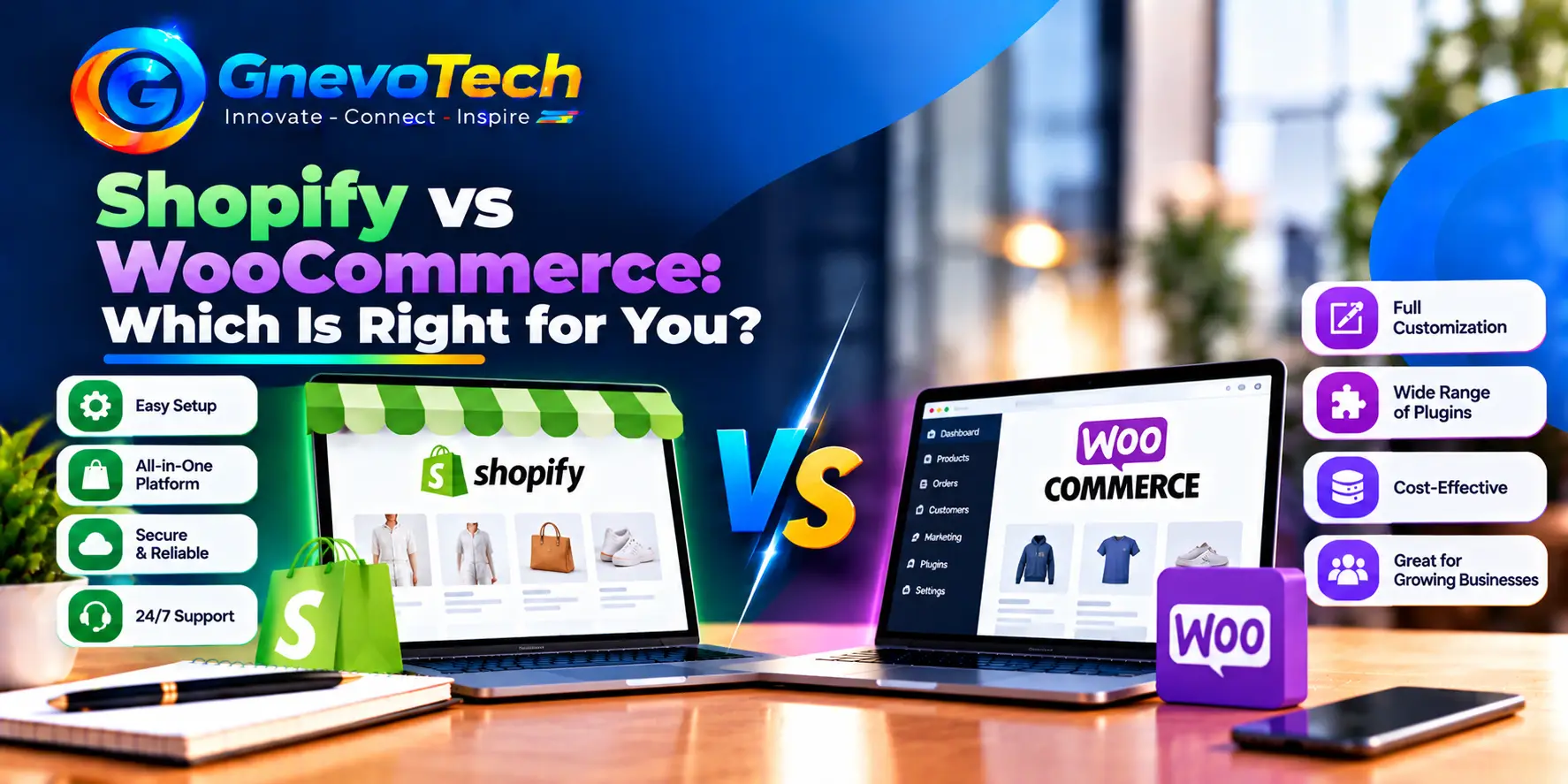
Both Shopify and WooCommerce can run a serious online store. Neither is better for everyone. The right choice depends on how much control you want, how much upkeep you can handle, and what you plan to sell.
If you’re comparing Shopify web development services with a WooCommerce build, this guide explains the real differences in plain words, so you can choose with your eyes open. One tip first: write down what you sell, how many products you have and who will run the store. Those three answers settle half of this decision.
The Short Answer
Choose Shopify if you want a store that’s quick to launch, simple to run and looked after for you. Choose WooCommerce if you want full control, deep customization, and ownership of your hosting and data.
Most small and mid-size stores do well on either. The details below show where the two paths really split. If you’re unsure, start with time. Do you want to spend it on selling, or on site upkeep?
How Each One Works
Shopify is a hosted platform. You pay a monthly plan, and Shopify handles hosting, security updates, backups and the checkout system. You focus on products, design and marketing.
WooCommerce is a free plugin that turns a WordPress site into a store. You choose and pay for your own hosting, and you’re responsible for updates, backups, security and speed. In return, you control almost everything.
Both are mature, widely used platforms, so neither is a risky choice. The risk comes from picking one that doesn’t match your team.
Think of Shopify as renting a well-managed shop in a busy mall. Think of WooCommerce as owning the building: more freedom and more upkeep.
Ease of Setup and Daily Use
Shopify is easier for beginners. Setup is guided, the dashboard is clean, and most tasks, such as adding products, discounts and shipping rules, are built in.
WooCommerce takes more steps. You install WordPress, a theme and WooCommerce, then set up hosting, payments, caching and security. If you already know WordPress, the learning curve is smaller.
Daily use is similar once the store is live. Allow time for learning either way. A first store usually takes longer than expected, mainly because of product data, photos and policies. The difference is what happens when something breaks. On Shopify, the platform fixes platform problems. On WooCommerce, you or your developer do.
SEO and Content
Both platforms can rank well. Search engines look at useful content, clean structure, fast pages and a good mobile experience.
Shopify gives you the basics out of the box: editable titles and descriptions, sitemaps, redirects and clean product pages. Its URL structure is fixed, which rarely causes trouble. Its blog works, but it’s simpler than WordPress.
WooCommerce sits on WordPress, which is excellent for content. You get full control over URLs, a powerful blog and strong SEO plugins. That makes it attractive if content marketing is a big part of your plan.
Strong Shopify website SEO services focus on product and collection pages, page speed, structured data and helpful content. The platform helps, but the work still matters on both sides. Remember that SEO is more than a platform. Site speed, internal links, clear product descriptions and reviews often decide rankings more than the logo on the dashboard.
Design and Customization
Shopify themes are polished, and the editor is friendly. Deeper changes use Liquid, Shopify’s template language, and developers can build custom sections. The checkout is more limited, though advanced checkout options exist on higher plans.
WooCommerce can be shaped almost without limit. Because you control the code, you can change layouts, checkout steps and product logic. The price of that freedom is more work and more testing. Whatever platform you choose, keep the design simple. Clear photos, readable text and an obvious buy button sell more than clever effects.
Features, Apps and Extensions
Shopify extends through its app store. Many apps are excellent, but each one often adds a monthly fee, so costs grow quietly.
WooCommerce extends through plugins and extensions. Core WooCommerce is free, and some extensions, such as subscriptions and bookings, are paid. Choose carefully, because each extra adds weight to your site.
On both platforms, fewer, better add-ons keep the store faster and the bill smaller. Before adding one, ask what problem it solves and what it costs each month. If you can’t answer, skip it.
Payments and Checkout in India
Indian shoppers expect UPI, cards, net banking and often cash on delivery. Both platforms work with popular local payment gateways, and both can support these options.
Shopify’s checkout is fast, well tested and consistent. It’s also hosted by Shopify, so you can adjust it less. WooCommerce’s checkout is fully yours to shape, which helps with unusual needs, such as custom fields or special shipping rules.
Check current gateway fees and any platform transaction fees before you decide, because these change and affect your margin on every sale. Test the order flow on a phone too. Place a real test order, check the confirmation email and confirm the order appears in your dashboard.
What It Really Costs
Costs look different on each side. A fair comparison adds up everything over three years.
- Platform: a monthly plan on Shopify and none on WooCommerce itself
- Hosting: included in Shopify and a separate yearly or monthly cost on WooCommerce
- Themes and apps or plugins: often paid on both
- Payment fees: both charge gateway fees, and Shopify may add its own fees in some cases
- Maintenance: included for the platform on Shopify and your responsibility on WooCommerce
On top of this sits the one-time build. The custom website development cost depends on how much design and custom logic you need, not only on the platform. A simple store on either platform costs far less than a store with special rules, custom features and integrations.
Ask any team for a written quote that lists what’s included and what yearly care will cost.
Speed, Security and Growth
Shopify handles hosting and traffic spikes for you, so sales days are usually smooth. Your speed then depends on your theme and the number of apps.
WooCommerce speed depends on your hosting, caching, theme and plugins. Good hosting makes a big difference, and a poor setup can feel slow under load. If you sell abroad, test speed from other regions too, because a fast page in Jaipur may be slower elsewhere.
On security, Shopify manages the server side. WooCommerce needs regular updates, strong passwords, two-factor login for admins, and reliable backups. Most reported WordPress security problems involve plugins and themes, so keep them few and current.
Set a monthly checklist for either platform: review apps or plugins, check page speed, test checkout and review your backups or export options.
Both can grow with you. Shopify scales with higher plans. WooCommerce scales with better hosting and careful engineering.
Which One Fits Your Business
Use these patterns as a guide:
- First online store, small catalogue: Shopify
- Fast launch with a small team: Shopify
- Content-led brand with a strong blog: WooCommerce
- Unusual products, rules or checkout needs: WooCommerce
- Store plus a larger WordPress site: WooCommerce
- Many sales channels, such as social and marketplaces: Shopify, for its built-in channels
Many businesses fit more than one row. When that happens, weigh upkeep more heavily than features.
Five Questions to Decide
Answer these honestly, together if possible:
- How comfortable are we with hosting, updates and backups?
- Do we need unusual checkout or product features?
- Is content marketing central to our plan?
- Do we want one monthly bill, or a lower platform cost with more upkeep?
- Do we have a developer we trust for the long term?
Mostly yes to the first and fourth question points to Shopify. Mostly yes to the second, third and fifth points to WooCommerce.
Can You Switch Later?
Yes, but plan it carefully. Products, customers and orders can be exported and imported, and good teams keep your URLs and redirects so search rankings hold up. Expect some design work and testing, so choose well now to avoid a move later. Keep your product data, images and customer lists in a spreadsheet so a move never starts from zero.
Conclusion: Pick the Platform You Can Run Well
The best platform is the one you can run well. Shopify gives you speed and simplicity. WooCommerce gives you control and freedom. Count the full cost, think about your team, and choose for the next two or three years. A good decision today saves a costly rebuild later.
At GnevoTech, we build and improve Shopify stores and WordPress sites from our office in Malviya Nagar, Jaipur. Tell us about your products and plans, and we’ll recommend the platform that fits, with the full cost laid out in simple terms.
FAQs
1. Is Shopify cheaper than WooCommerce?
Not always. Shopify has a monthly plan and app fees, while WooCommerce has hosting, extension and maintenance costs. Compare the full cost over three years, including your own time, because time is a cost too.
2. Which platform is better for SEO?
Both can rank well. WooCommerce offers more control and a stronger blog, while Shopify offers a simpler, well-organized setup. Good content, speed and product pages matter most on either.
3. Can I use WooCommerce without knowing WordPress?
Yes, but there’s a learning curve. Many owners hire a developer for setup and routine care and handle daily products and orders themselves.
4. Which is easier for a beginner?
Shopify, because setup is guided and hosting, security and updates are handled for you. You can still switch later if your needs change.