
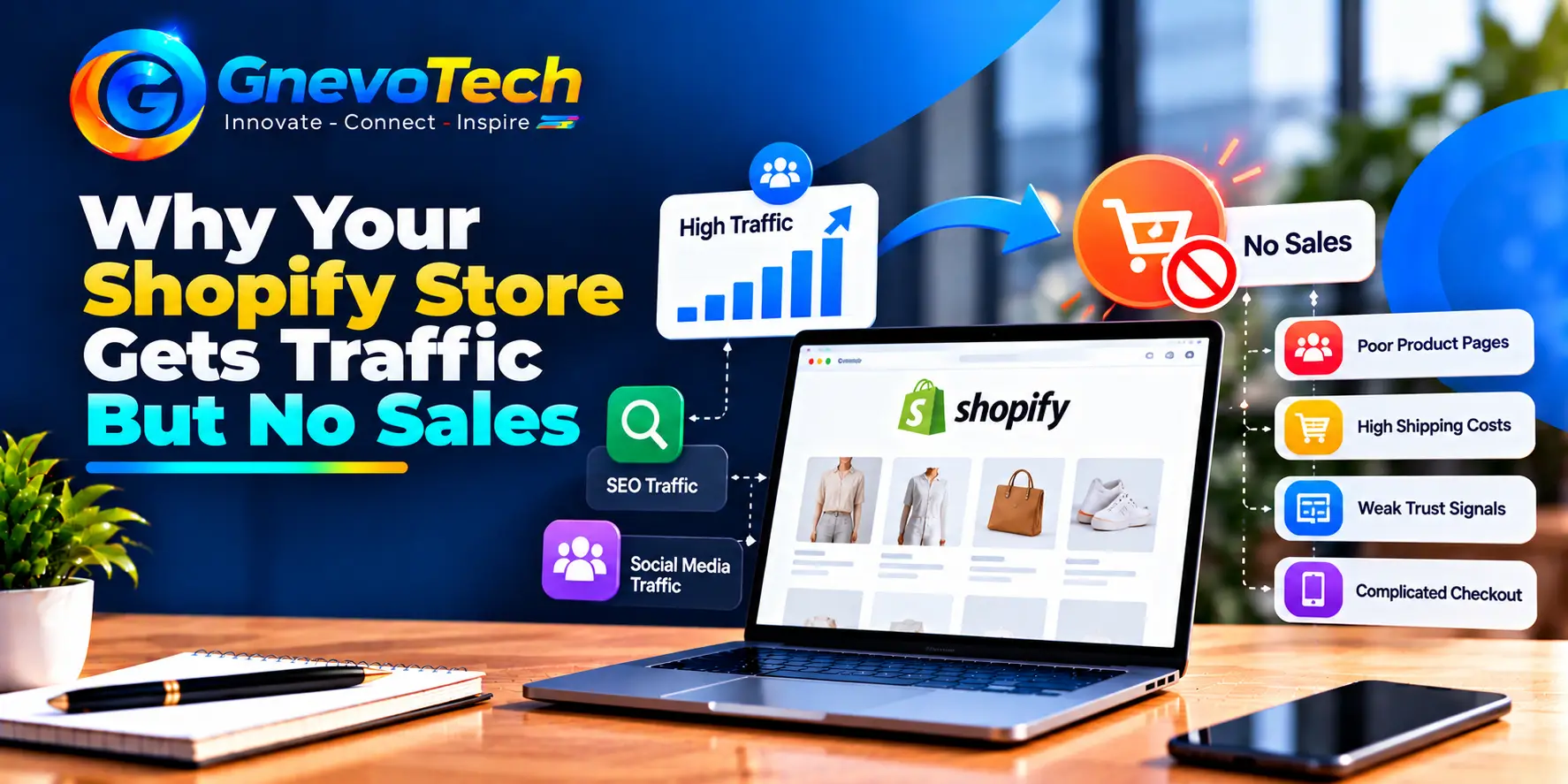
Seeing visitors in your analytics and orders at zero is one of the most frustrating spots for a store owner. The good news is that this problem is usually fixable, because it almost always comes from a small number of causes.
If you’re comparing Shopify development services in Jaipur to fix it, this guide shows how to find the real cause first, so you pay for the right fix and not a guess.
One reassurance first. Low conversion rarely means your products are bad. More often it’s a gap between what visitors expect and what the store shows them.
First, Find Where Visitors Drop Off
Treat your store like a funnel. Visitors land, look at products, add to cart, start checkout and pay. Somewhere in that path, most of them leave. Your job is to find the biggest leak.
Open the Shopify analytics reports and look at these steps:
- Sessions that reach a product page
- Sessions that add to cart
- Sessions that reach checkout
- Sessions that complete an order
Then split the numbers by device and by traffic source. A store that converts well on desktop and badly on mobile has a mobile problem. A store that converts well from email and badly from ads has a traffic problem.
Compare your conversion rate with your own past months, not with random industry figures. Rates differ widely by product, price and device. What matters is the direction, and the step where the drop is largest. Look at four weeks or more of data, because sales and one-off campaigns can distort short periods. Also note big events such as price changes or theme updates, so you can match them to changes in your numbers.
Free tools help too. Microsoft Clarity and similar tools show recordings and heatmaps, so you can watch where real visitors hesitate, scroll past or tap on things that don’t work.
Problem 1: The Wrong People Are Visiting
Traffic isn’t all equal. Ten thousand visitors who wanted a free guide won’t buy a product. A thousand visitors who searched for exactly what you sell often will.
Check what visitors expected when they clicked. If an ad promises “50 percent off” and the page shows full price, trust breaks at once. If a blog post ranks for a broad topic, readers may enjoy it and never think about buying.
Check your ad targeting as well. Broad audiences bring curious clicks, while well-defined audiences bring buyers. Review which campaigns produce orders, not only clicks. And note that branded searches, from people who already know your name, often convert best. If they’re low, awareness may be the real issue.
Look at your search queries in Google Search Console, and ask which ones show buying intent, such as “buy”, “price” or a product name. Then match each landing page to the promise that brought visitors there.
Good Shopify website SEO services focus on this exact point. The goal isn’t only more traffic. It’s traffic that matches your products, with pages, titles and collections built around what buyers actually search for.
Problem 2: Product Pages That Don’t Answer Questions
A product page replaces the shop assistant. If it can’t answer a shopper’s questions, the shopper leaves to find a page that can.
Check each important product page for these basics:
- A clear title that says what the product is
- Several sharp photos, and a short video if possible
- A benefit-led description, not only a list of features
- Size, material, care and what’s in the box
- The price, taxes and stock status, shown plainly
- A delivery estimate, so buyers know when it arrives
- Reviews with real photos and names
Write for the questions customers already ask you by chat or email. Those questions are free research for your page.
Read the page on your phone, with your thumb. Can you find the add-to-cart button without hunting? A sticky button on mobile often helps.
Problem 3: Not Enough Trust
Shoppers decide quickly whether a store feels safe. Small signals add up.
Show your return and refund policy clearly, and keep it fair and short. Add real contact details, such as an email, a phone number and a business address. Use genuine reviews. Make sure your About page says who you are.
Place social proof where decisions happen, such as near the add-to-cart button, not only on a separate page.
Be careful with badges and fake urgency. Countdown timers that reset and “only 2 left” messages that never change harm trust more than they help. Honest signals work better.
Problem 4: A Slow or Clumsy Mobile Experience
Most shoppers in India browse on phones, often on mid-range devices and mobile data. A heavy page loses them before the first product appears.
Test on a real mid-range phone over mobile data, not only on fast office Wi-Fi. What loads in a second at your desk may take six on the street.
Check your store in PageSpeed Insights, and aim for the main content in under 2.5 seconds, a response to a tap in under 200 milliseconds, and a layout that stays still while loading.
The usual causes on Shopify are large images, too many apps and a heavy theme. Compress images, remove apps you don’t use, and choose a lean, well-built theme. Each app can add scripts to every page, even when its feature appears on only one.
If speed work feels technical, a Shopify web development company in Jaipur can audit your theme and apps and fix the biggest delays first.
Problem 5: Price and Shipping Surprises
One of the top reasons people abandon checkout is a cost they didn’t expect, such as shipping, taxes or handling fees.
Show shipping costs or a clear estimate early, ideally on the product or cart page. If you offer free shipping above a set amount, show a progress message such as “Add ₹300 more for free shipping”. Where it suits your business, offer payment options that Indian shoppers expect, such as UPI, cards, net banking and cash on delivery, and be clear about any extra charge. State delivery times clearly too, because unclear dates worry buyers.
Problem 6: Too Much Friction at Checkout
Shopify’s checkout is well tested, but your settings still matter.
- Allow guest checkout, so buyers don’t need an account
- Keep form fields to the minimum
- Turn on accelerated payment buttons, such as Shop Pay and Google Pay, where available
- Show a clear order summary and a visible way to contact you
- Test the full purchase on a phone, using every payment method
Switch on abandoned checkout recovery. Shopify can email shoppers who left items behind, and a short, friendly reminder recovers some orders that would otherwise be lost.
Problem 7: Weak Search and Navigation
A shopper who can’t find a product will rarely keep trying. Use clear menus, sensible collections and filters for size, price and type. Make the search bar easy to see, and check what people search for. Searches with no results show products you don’t stock, or names shoppers use that you don’t. Fix the top three missing-result searches first, by adding products, synonyms or helpful redirects.
Problem 8: Tracking That Misleads You
Sometimes the store is fine and the data is wrong. Check that your analytics and ad pixels are set up correctly, that purchases are counted once, and that internal visits are excluded. Compare Shopify’s order numbers with your ad platform’s numbers, and expect small differences. A broken tracking setup can hide sales or count them twice, so test with a small real purchase.
A 30-Day Fix Plan
You don’t need to fix everything at once. Work in this order:
- Week one: read the funnel, split by device and source, and watch recordings
- Week two: fix the biggest leak, usually product pages, mobile speed or shipping clarity
- Week three: improve checkout, trust signals and abandoned cart emails
- Week four: review results, and test one change at a time
Write down each change and its date, so you can link it to results. Give each test enough visits before you decide, because small samples mislead.
Conclusion: Fix the Leak, Not the Whole Store
Traffic without sales is a signal, not a verdict. Find the step where visitors leave, fix the cause, and test again. Small, steady changes to product pages, trust, speed and checkout often add up to a real difference. Start this week with the funnel report. It costs nothing and tells you where to look first.
At GnevoTech, we build and improve Shopify stores from our office in Malviya Nagar, Jaipur. Share your store with us, and we’ll tell you where visitors are dropping off and what to fix first.
FAQs
1. What is a good conversion rate for a Shopify store?
It varies by product, price and traffic source, so compare your store with its own past results first. Aim for steady improvement month by month, and review the trend, not a single day or a lucky week.
2. How long should I wait before judging a change?
Wait until enough visitors have seen both versions. A few days of low traffic can mislead you, so give each test a fair sample.
3. Do more apps help sales?
Not by themselves. Each app can slow your store, so keep only the ones that solve a clear problem, and remove any you no longer use.
4. Should I lower my prices first?
Rarely. Check traffic quality, product pages, trust and checkout first, because a discount can hide the real problem and reduce your profit. Fix the cause, and the price may need no change at all.