
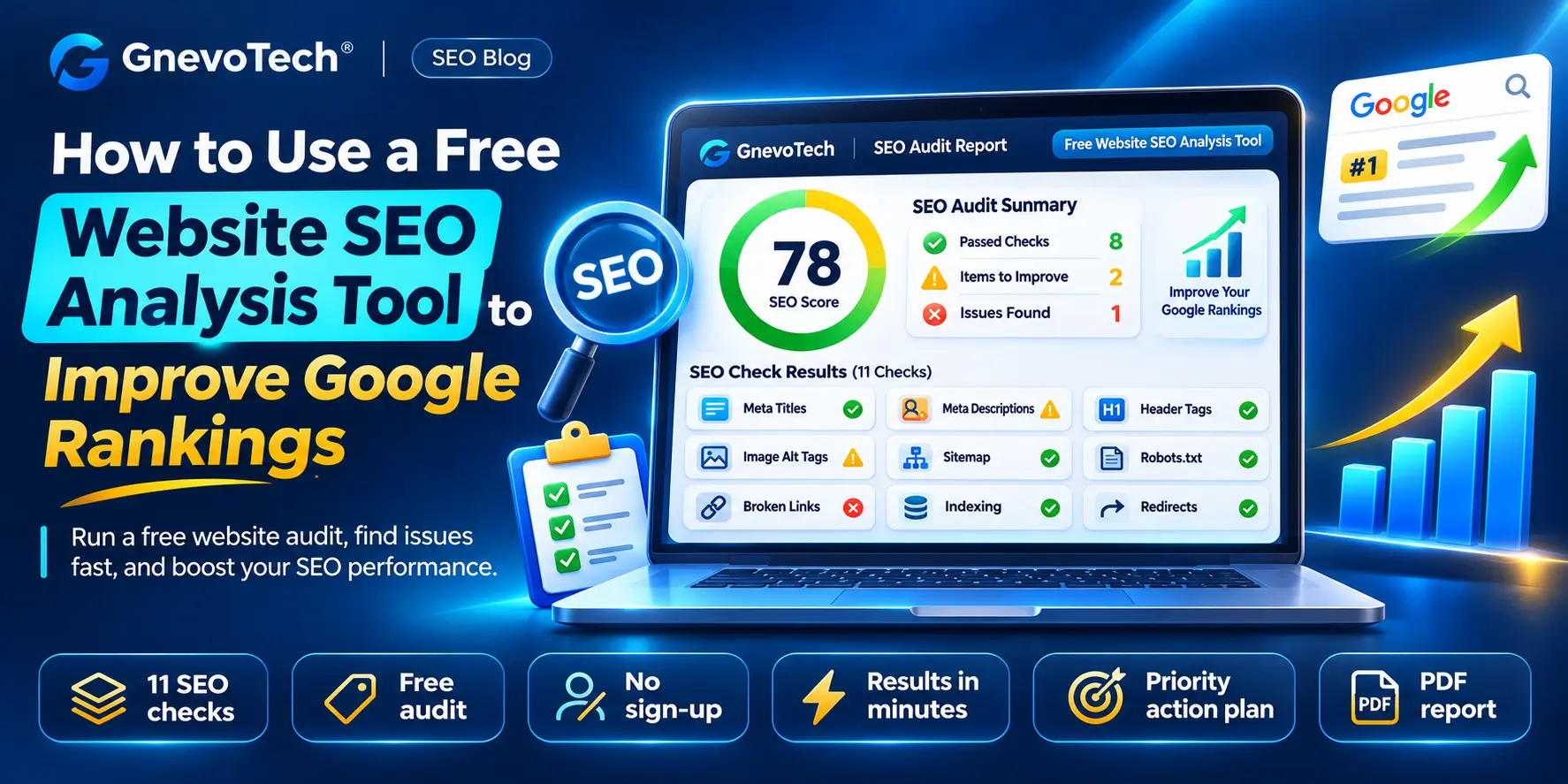
A page can look polished and still lose traffic every day. A slow template, a broken redirect or a missing title tag rarely shows up to the naked eye, yet Google reads each of them as a signal. At Gnevotech, we see this pattern in almost every new site audit we run for businesses in Jaipur and across India.
A free website SEO checker closes that visibility gap. It scans your pages the way a search engine does and reports what stands in the way of better rankings. In this guide, we explain what such a tool measures, how to read its report, and which fixes deserve attention first.
What You Will Learn
- What a website audit covers and why each area affects rankings
- A clear, step-by-step method for running and reading your first report
- How to rank the issues by impact so your time goes to the right fixes
- How to choose a reliable tool and decide how often to run it
Why Every Website Needs a Free SEO Checker in 2027
Search has become more demanding. Google now weighs page experience, content quality and technical health together, and AI-driven answers pull from sites that are fast, structured and easy to crawl. The free website SEO checker in 2027 gives site owners a direct view of those factors without a paid subscription.
The Cost of Unseen Errors
Small faults add up. A single missing canonical tag can split ranking signals between two URLs. A handful of broken internal links can waste crawl budget. Duplicate meta descriptions make separate pages look identical in search results.
Individually, none of these looks serious. Together, they hold a good website back. A regular audit surfaces them before they reach that point.

Why Free Tools Still Earn Their Place
Paid platforms offer depth, but most small and mid-sized sites need clarity first. A free audit gives a baseline: what is broken, what is missing and what is already working. From there, you can decide whether the site needs a quick tidy-up or a deeper technical project.
We built our own tool for that reason. It gives business owners and marketers a plain-language report, not a wall of raw data.
What a Website SEO Audit Checker Actually Measures
A good website SEO audit checker groups its findings into four areas. Knowing them helps you read the report with purpose.
Technical Health
This layer decides whether search engines can reach and understand your pages. A technical SEO audit tool in 2027 reviews:
- Crawlability, including robots.txt rules and XML sitemap status
- HTTPS setup and mixed-content warnings
- Redirect chains and canonical tags
- Mobile rendering and viewport settings
- Structured data validity
Problems here limit everything else. Strong content cannot rank if the page is blocked or indexed in the wrong form.
On-Page Signals
These are the elements you control directly on each page. The best on page SEO checker looks at title tags, meta descriptions, heading hierarchy, image alt text, internal links and keyword placement.
It also flags thin pages, duplicate titles and headings that skip levels. Each of these affects how clearly a page communicates its topic.
Speed and Page Experience
A website performance checker measures load behaviour: server response, image weight, render-blocking scripts and layout shifts. Google’s Core Web Vitals sit at the centre of this area, and slow pages lose both rankings and visitors.
Mobile speed deserves extra attention. Most searches in India happen on phones, often on variable connections.
Errors and Site Quality
A website error checker catches broken links, 404 pages, server errors and orphaned URLs. A broader website quality checker adds content depth, duplicate text and trust signals such as contact details and policy pages.
| Audit area | Typical issues found | Ranking impact |
| Technical health | Blocked pages, redirect chains, missing sitemap | High |
| On-page signals | Weak titles, missing alt text, duplicate headings | Medium to high |
| Speed and experience | Heavy images, slow server response | High on mobile |
| Errors and quality | Broken links, thin content, duplicate pages | Medium |
How to Use the Gnevotech SEO Analyzer Online, Step by Step
The process takes a few minutes. The method below works for a new site, a redesign check or a routine review.
Step 1: Enter Your Website URL
Open the SEO analyzer online and paste your homepage address. Use the exact version of the URL that visitors see, including HTTPS and the www prefix if your site uses it.
Step 2: Choose the Scan Scope
Set the number of pages and the crawl depth. For a first run, a scan of 50 pages and three levels covers most small business sites. Larger sites can scan in batches by section.
Step 3: Review the Overall Score
The report opens with a summary score and a list of issues grouped by severity. Treat the score as a starting point. The detail underneath tells you what to act on.
Step 4: Open Each Category
Work through technical, on-page, performance and content findings one at a time. A website health checker report is most useful when you read the affected URLs, not only the issue names.
Step 5: Export and Assign Fixes
Save the report and give each issue an owner. Developers handle redirects and speed. Writers handle titles, headings and thin pages. Clear ownership keeps the audit from sitting unused.
Step 6: Re-scan After Changes
Run the scan again once fixes go live. Comparing two reports confirms that the changes worked and shows whether new issues appeared.
Using a Website SEO Testing Tool for Faster Decisions
A website SEO testing tool is most valuable when it shortens the path from finding to fixing. Three habits help.
- Test before and after every major change. Redesigns, migrations and plugin updates are the moments when rankings tend to move.
- Compare against your top competitors. Run their pages through the same SEO site checker tool to see where your pages are weaker or stronger.
- Track one metric at a time. Pick a target, such as fewer broken links or a faster mobile load, and measure it across reports.
A consistent routine matters more than a perfect one. A modest audit run every month beats a thorough one done once a year.
Which Fixes to Make First
A report with 60 issues can stall a team. Sorting by impact and effort turns it into a short working list.
Fix First: High Impact, Low Effort
- Rewrite missing or duplicate title tags and meta descriptions
- Repair broken internal links and 404 pages
- Compress oversized images
- Add alt text to key images
Plan Next: High Impact, Higher Effort
- Resolve redirect chains and canonical conflicts
- Improve server response time and Core Web Vitals
- Rebuild thin pages with useful, original content
- Add structured data to service and article pages
Schedule Later: Lower Impact
- Tidy heading hierarchy on older posts
- Consolidate near-duplicate pages
- Review outdated policy and contact pages
How to Choose the Best SEO Audit Tool Online in 2027
Many platforms claim to be the best SEO audit tool online. A short checklist separates the useful ones from the rest.
- Coverage. It should check technical, on-page, speed and content factors in one scan.
- Clarity. Findings should come with a plain explanation and a suggested fix.
- Accuracy. Results should match what Google Search Console and PageSpeed reports show.
- Privacy. The tool should state how it stores your URL and email.
- Updates. Checks should follow current search guidelines, not rules from several years ago.
A website optimization checker that meets these points saves hours of manual review. One that does not can send a team in the wrong direction.

How Often to Run an Audit
The right rhythm depends on how often the site changes.
| Site type | Suggested frequency |
| Small business site, few updates | Every month |
| Blog or content-heavy site | Every two weeks |
| Online store with frequent product changes | Weekly |
| After a redesign or migration | Immediately, then weekly for a month |
When to Bring in an SEO Agency
A tool shows what is wrong. It does not decide how to fix it within your budget, brand and timeline. Some issues, such as migration errors, schema planning and content restructuring, need experienced hands.
As the best SEO agency in Jaipur, Gnevotech pairs audit data with practical execution. Our team reviews your report, ranks the fixes and works through them with your developers and writers. For sites preparing for AI-driven search, we also offer AI SEO services that build on a clean technical base.
Conclusion: Turn the Audit Into Rankings
Rankings improve when problems are found early and fixed in order of impact. A dependable audit routine covers technical health, on-page signals, speed and content quality, and it repeats on a schedule.
Start with a scan of your own site today. Open the free website SEO checker, review the report and apply the quick wins this week. If the results show deeper work, talk to the Gnevotech team and we will build the plan with you.
Frequently Asked Questions
Is a free website SEO checker accurate enough to rely on?
It is reliable for finding common technical and on-page issues. For decisions with larger budgets, such as a migration, cross-check the findings with Google Search Console.
How long does a website audit take?
Most scans finish in a few minutes. Larger sites with several hundred pages take longer.
Will fixing audit issues guarantee higher rankings?
No tool can promise a position. Fixes remove barriers, and rankings improve as Google recrawls and reassesses the pages, which usually takes several weeks.
Do I need technical knowledge to read the report?
No. The report explains each issue in plain terms. Developer-level items are labelled so you can pass them to the right person.
Can Gnevotech fix the issues the tool finds?
Yes. Our team can prioritise the report and handle the fixes as part of an SEO project.